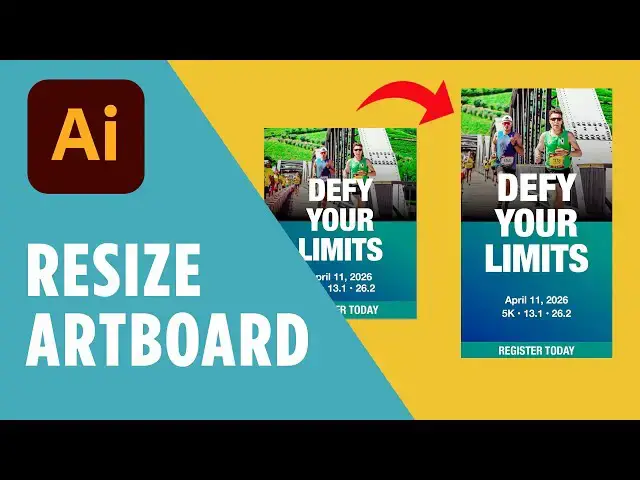

Duplicate and Resize Graphic in Illustrator | Adjust Artboard Size & Layout
Feb 3, 2026

☕️ Start your 7-day free Adobe Creative Cloud trial → https://adobe.prf.hn/click/camref:1101lKN6K
Need to update your design for a different layout? In this quick tutorial, I’ll walk you through how to duplicate your artboard and resize artboard dimensions in Adobe Illustrator without distorting your layout. Whether you're designing for Instagram, digital products, or print — this technique will save you time.
You'll also learn how to adjust gradients, masks, and text once you change the artboard size, so everything stays looking polished and professional.
✅ What You’ll Learn:
► How to duplicate an artboard in Illustrator
► How to resize artboard for different screen sizes
► Adjusting masks and gradients after resizing
► Resize for Instagram Stories and other formats
► Tips to make your resized graphics look clean
🔖 Timestamps:
00:00 - Duplicate the Artboard
00:22 - Change the Artboard Size
00:46 - Adjust the Layout to Fit
01:12 - Release and Reset the Clipping Mask
01:35 - Resize Text and Final Layout
01:52 - Outro & Design Tip
Show More Show Less #Jobs & Education