
Category: Adobe Premiere Pro
-
How to Remove Background Noise Adobe Premiere Pro (2 Easy Methods)
If you’ve ever recorded a video and later noticed a loud fan, room hum, or background buzz, you’re not alone. Learning how to remove background noise Adobe Premiere Pro is one of the most useful skills for content creators, YouTubers, and designers working with video. The good news is that Premiere Pro has built-in tools…
-
How to Create and Save Custom Caption Styles in Adobe Premiere Pro
Captions are no longer optional for video content. Whether you’re creating videos for YouTube, Shorts, TikTok, or client work, captions improve accessibility and keep viewers engaged. If you want a faster workflow, learning how to Create and Save Custom Caption Styles in Premiere Pro can save you a huge amount of editing time. 👉 If…
-
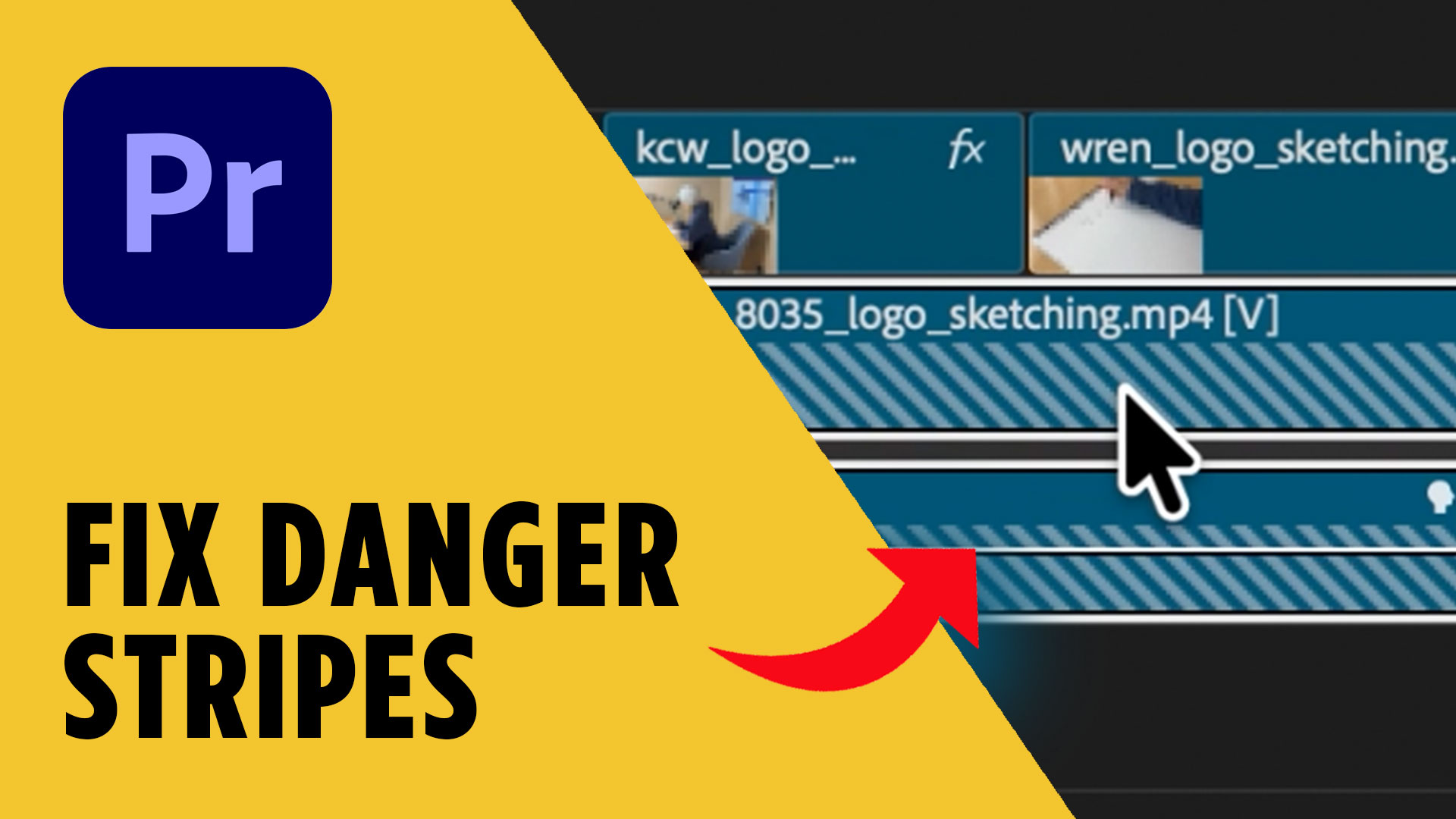
How to Fix Diagonal Stripes in Adobe Premiere Pro (Fast Fix)
If you’ve ever opened a project and suddenly seen diagonal stripes in Adobe Premiere Pro, it can be pretty alarming. Your clip might appear black in the timeline, the preview monitor shows nothing, and it looks like something is seriously broken. The good news? This issue is usually easy to fix once you know where…
-
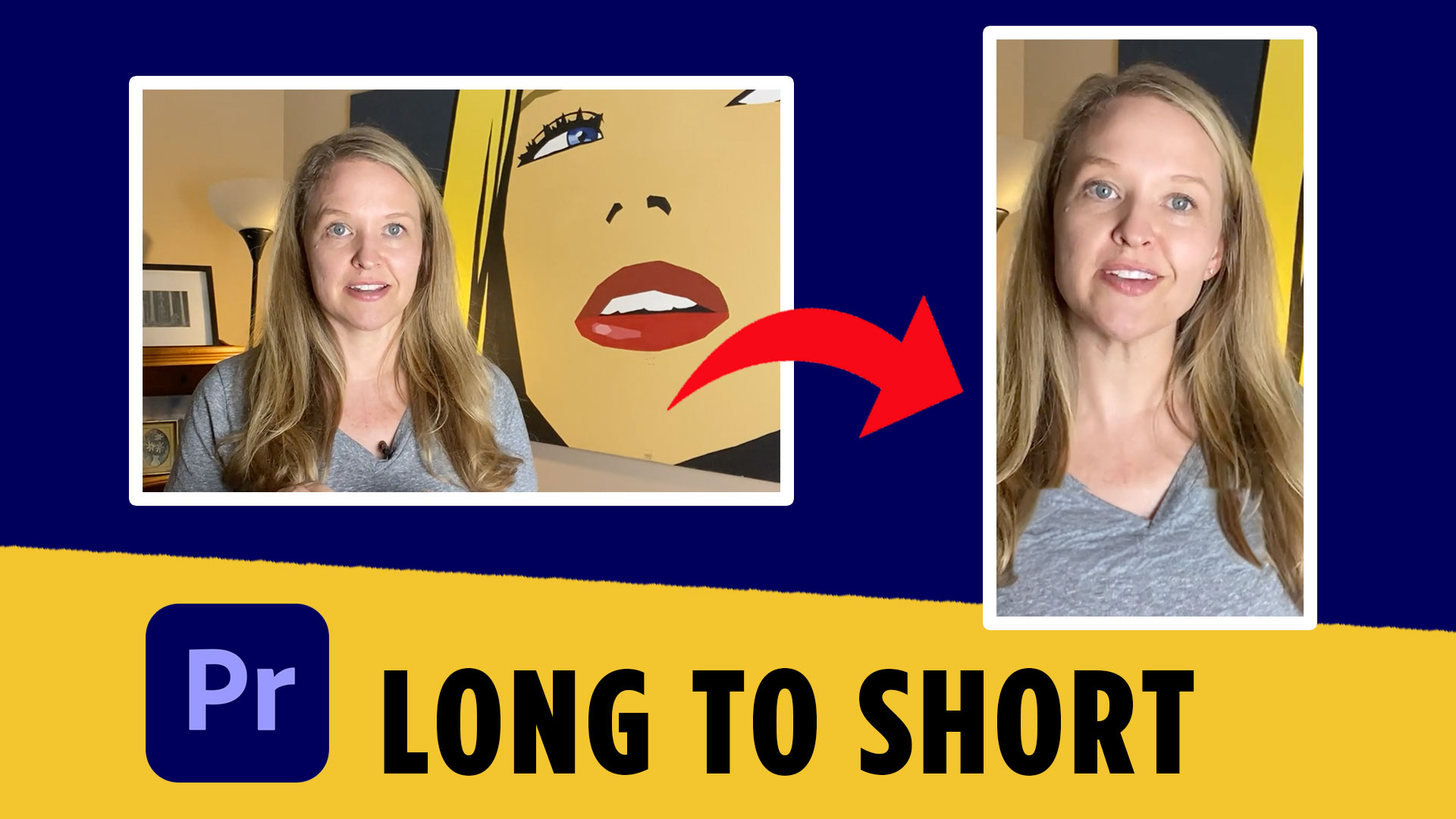
How to Make YouTube Shorts in Premiere Pro Fast (Step-by-Step)
If you’re creating long-form videos, turning them into short-form content is one of the fastest ways to grow on YouTube, Instagram Reels, and TikTok. The good news is that you don’t need complicated tools or plugins to do it. In this guide, I’ll show you how to make youtube shorts in Premiere Pro fast using…
-

Full Video Editing Workflow in Premiere Pro (Step-by-Step Tutorial)
If you’ve ever opened Premiere Pro, stared at the timeline, and thought, “Okay… now what?” — you’re not alone. Video editing can feel overwhelming, especially when you’re trying to be efficient and professional at the same time. Over the years, I’ve tested a lot of workflows, and what I’ve landed on is a repeatable system…
-

How to Close All Gaps with One Click – Adobe Premiere Pro Tutorial
When editing in Adobe Premiere Pro, one of the most common frustrations is dealing with unwanted gaps between clips. Whether you’re trimming footage, rearranging scenes, or cutting out mistakes, these empty spaces can slow down your workflow and make your timeline look messy. But what if there was a one-click solution to close all those…
-

How to Separate Audio from Video in Adobe Premiere Pro: A Simple Guide
There are times when you’ll want to separate the audio from the video track in your project. Adobe Premiere Pro makes this process easy and quick, helping you gain full control over your media. In this tutorial, we’ll show you how to unlink and separate audio from video in Premiere Pro, giving you more flexibility…